
Shipping zones
Manage the shipping areas covered by your store.
Manage shipping zones and delivery prices. Show customers the available methods, costs, and delivery times at checkout.
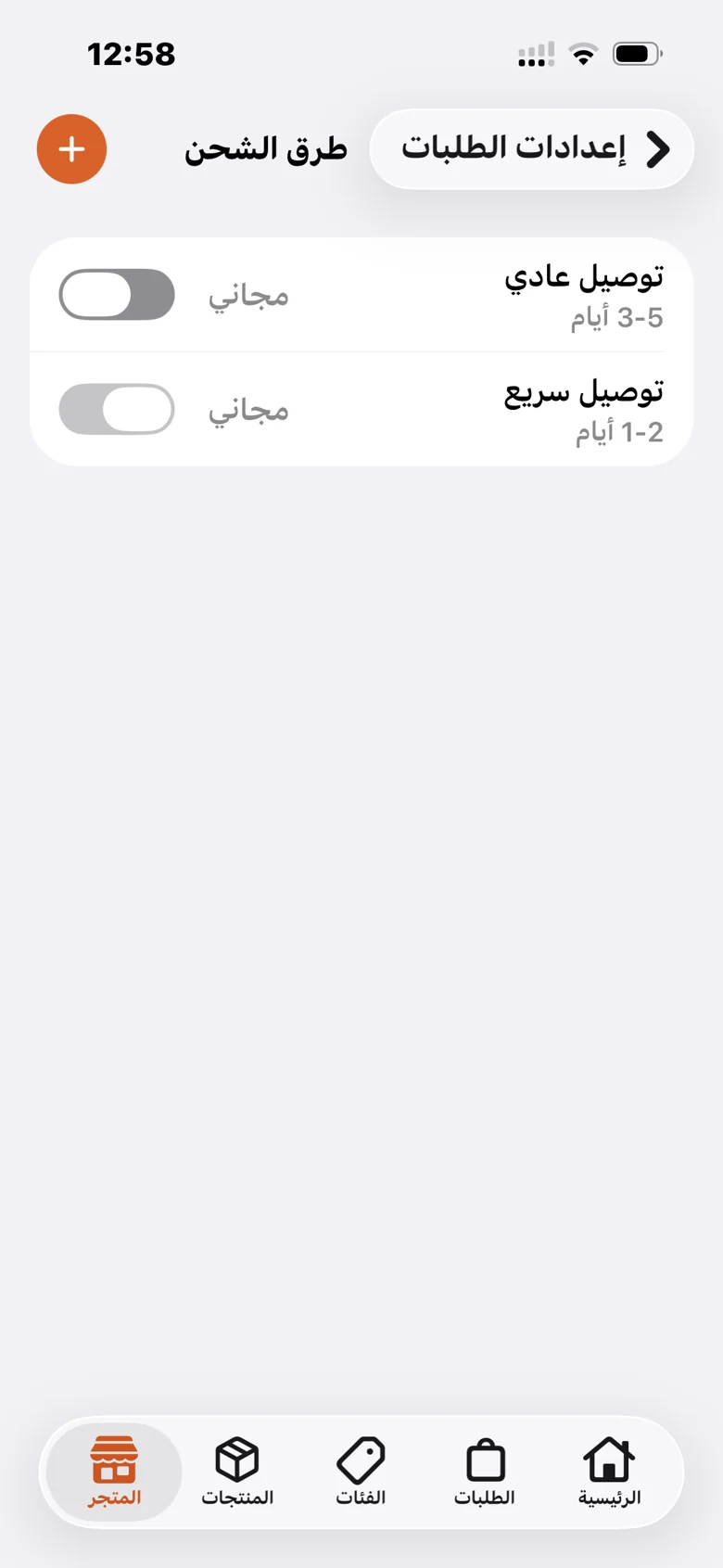
Manage the shipping areas covered by your store.
Set a cost and delivery time for each method customers can choose.
Enable or disable each delivery method from its settings.
Customers choose a shipping method and see its cost in the order total.
A practical path to setting up the feature and reviewing it in your store.
Open shipping settings and add the delivery options your store provides.
Enter the name, delivery time, and price for your service.
Let customers choose a suitable delivery method at checkout.
Your products, orders, and store identity, in one platform.