
Order notifications
A dedicated module for sending order updates through WhatsApp.
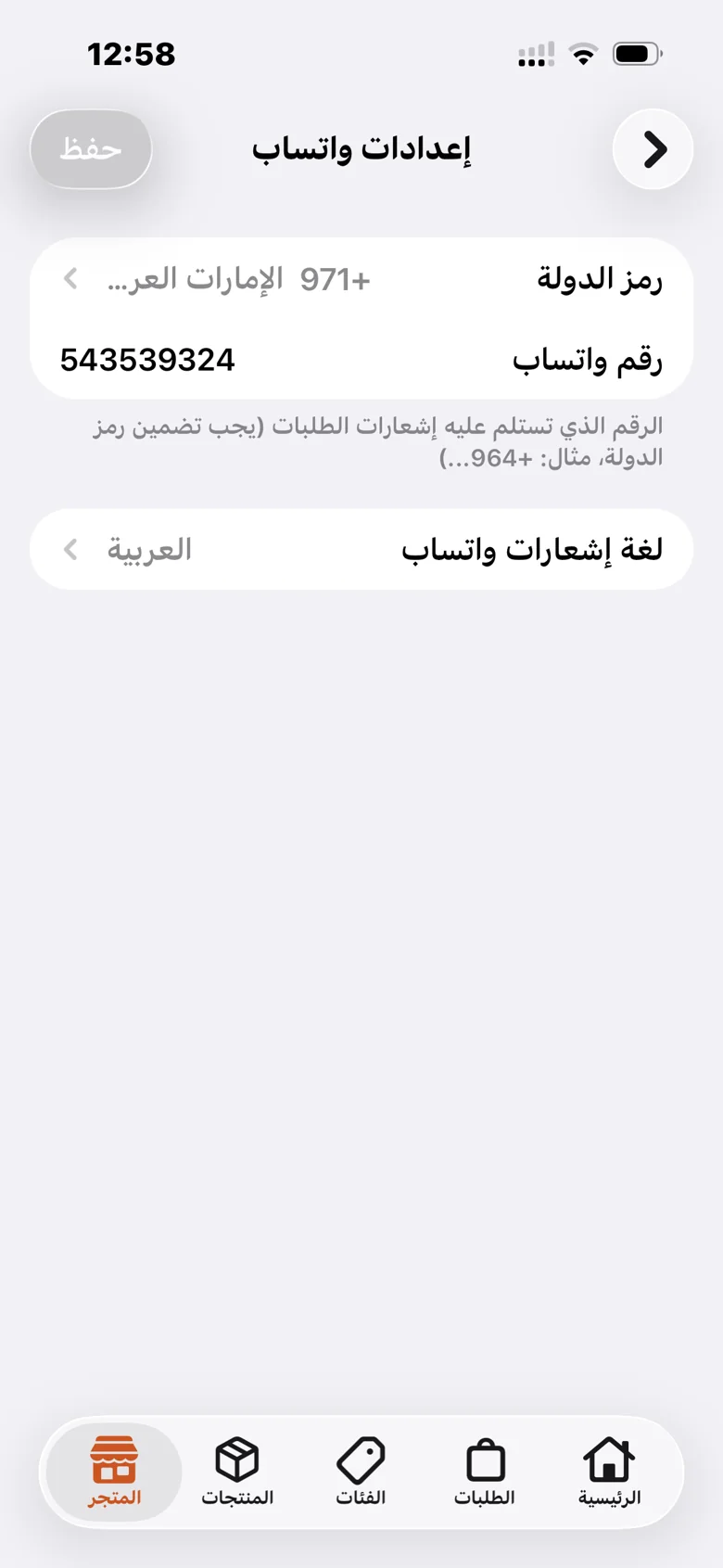
Enable order notifications and ordering through WhatsApp from the apps section. Set your receiving number and notification language.
A dedicated module for sending order updates through WhatsApp.
Enable the option that lets customers order through WhatsApp.
Choose a country code and enter the WhatsApp number for order notifications.
Choose Arabic, English, Sorani Kurdish, or Badini Kurdish.
A practical path to setting up the feature and reviewing it in your store.
Open the apps section and choose the WhatsApp features you need.
Enter the receiving number with its correct country code.
Select your notification language and save the settings.
Your products, orders, and store identity, in one platform.